Platforms · MT5 Desktop
The complete terminal for serious traders
The full MetaTrader 5 desktop terminal for Windows and macOS — multi-chart workspaces, algorithmic trading and depth-of-market on the most powerful version of the platform.
- Windows
- macOS
- Expert Advisors
- MQL5
- Depth of Market
- Strategy tester
- Multi-chart
- Free
The most powerful way to trade MT5
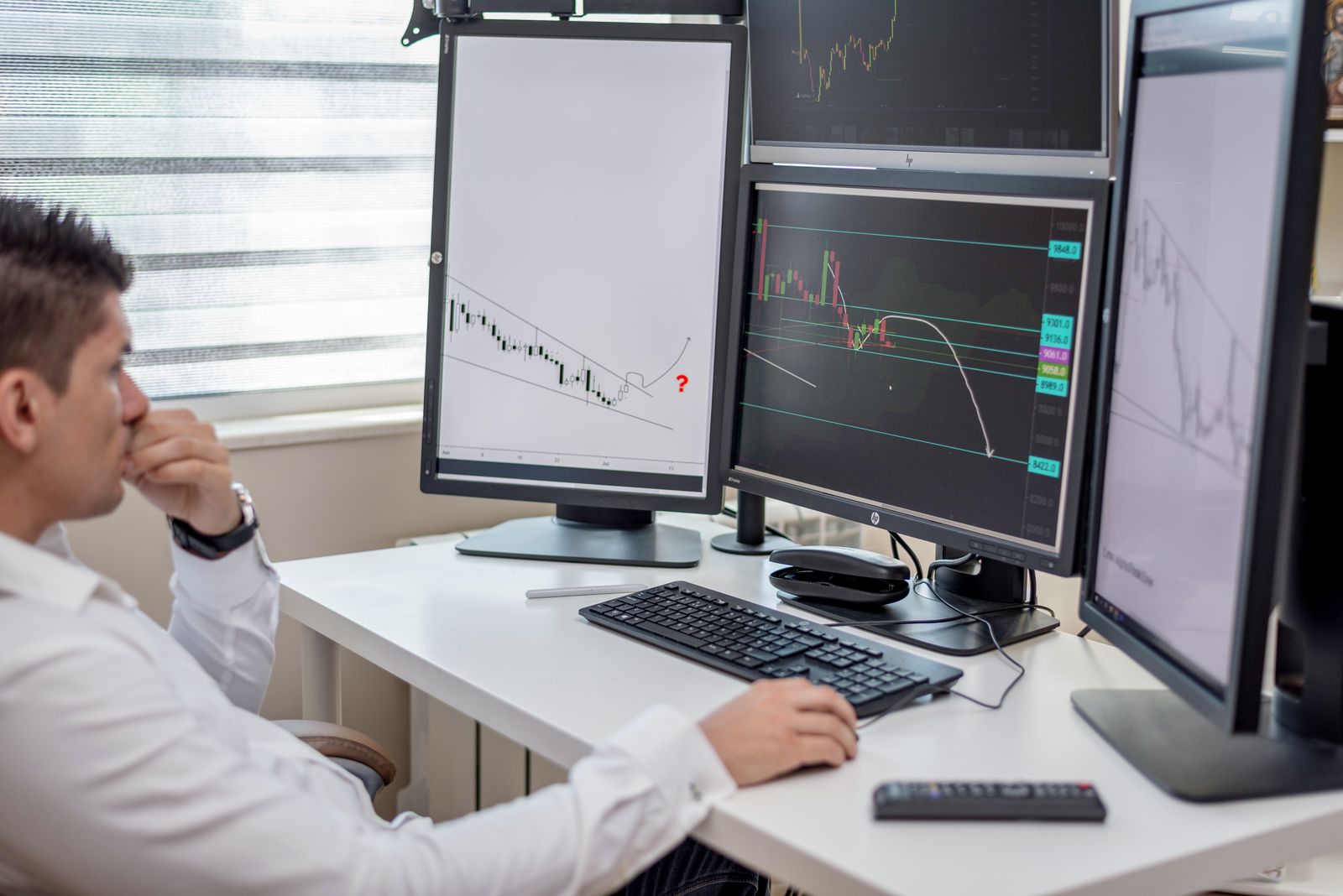
The desktop terminal is MetaTrader 5 at full strength. Build multi-chart workspaces across monitors, read depth-of-market, and work with the complete toolkit of timeframes, indicators and order types in one application.
It's also where automation lives. Run Expert Advisors written in MQL5 to trade systematically, and use the built-in strategy tester to backtest an idea against historical data before you risk a cent on it.
Custom layouts, hotkeys and templates let you shape the terminal around your process — then save it, so your desk looks exactly the way you left it every time you open up.

At a glance
- Operating system
- Win · macOS
- Price
- Free
- Charts
- Unlimited
- Automation
- MQL5
Why Bondricks
MT5 Desktop at Bondricks
One account synced across every device — the same live data and execution engine behind each screen.
Algorithmic trading
Run Expert Advisors in MQL5 to automate entries, exits and management around the clock.
Backtest before you risk it
The built-in strategy tester replays historical data so you can validate an idea first.
Built for multi-monitor desks
Unlimited charts, custom workspaces and hotkeys — shaped around the way you actually trade.
- 10+
- Windows
- 11+
- macOS
- Free
- Price
- ~250 MB
- Disk
Get started
Set up in three steps
- 01
Download the terminal
Get MetaTrader 5 for Windows or macOS, free of charge.
- 02
Log in
Connect with your Bondricks account credentials.
- 03
Customise & trade
Lay out your charts, load your tools and start trading.
Specifications
System requirements
| Requirement | Detail |
|---|---|
| Windows | Windows 10 or later |
| macOS | macOS 11 or later |
| Disk space | ~250 MB |
| Memory | 2 GB RAM or more |
| Price | Free |
Indicative requirements for demonstration. Download MetaTrader 5 from the official source for your operating system.
FAQ
Desktop — your questions answered
Yes. A native macOS build of MetaTrader 5 is available for macOS 11 or later, alongside the Windows terminal.
Expert Advisors are automated trading programs written in MQL5 that can analyse the market and place or manage trades for you, based on rules you define.
Yes. The desktop terminal includes a strategy tester that replays historical price data so you can evaluate a strategy before trading it live.
Yes. MetaTrader 5 for desktop is free to download and use with your Bondricks account.
There is no practical limit — open as many charts as your machine handles, and save them as reusable custom workspaces.
Other editions
MetaTrader 5 on every device
MetaTrader 5
One account, synced across every screen you trade
Trade on the full terminal
Open an account and run MetaTrader 5 for Windows or macOS — automation, backtesting and all.